
Every automation starts the same way – you need data. An AI agent can't answer customer queries, assign tracking numbers, or monitor order statuses without access to up-to-date information from your e-shop.
Veruno offers three ways to get data into the platform. From simplest to most sophisticated.
1. Manual Entry
The fastest start. In the Veruno admin, you can enter products and orders directly. Ideal for smaller catalogs, one-time imports, or testing. No configuration, no integration – just fill in a form and your data is available via API.
2. CSV Import
Got data in a spreadsheet? An export from your accounting system, a supplier price list, or order history in Excel? Upload a CSV file and Veruno processes it. Map columns to the right fields and you're done. Great for one-time migrations or regular batch imports.
3. WooCommerce Plugin – Full Automation
This is where it gets interesting.
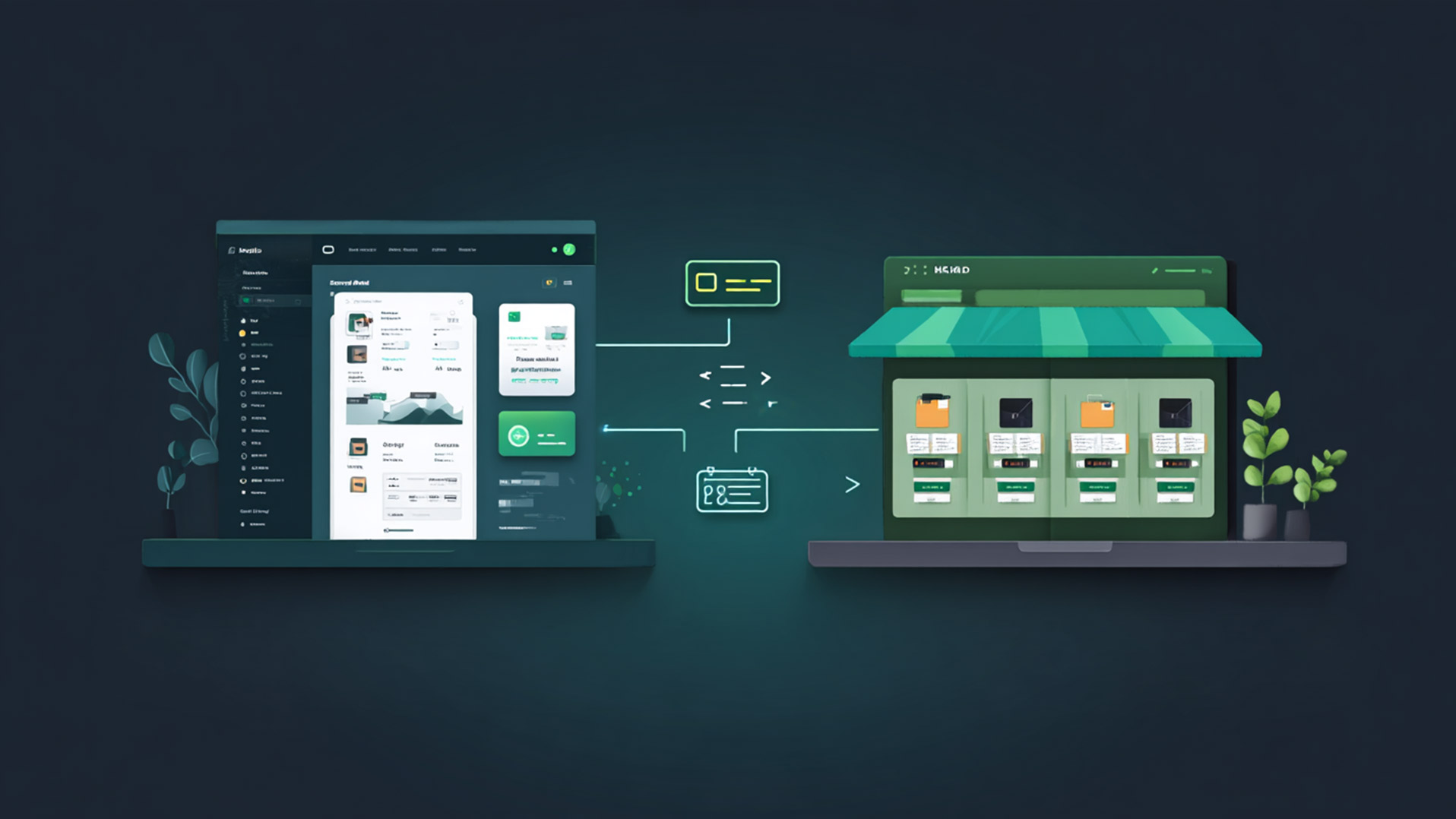
Veruno Connector is a WordPress plugin that links your WooCommerce e-shop with the Veruno platform. Set it up once, then it runs on its own.
What the Plugin Does
Product synchronization works both ways. From WooCommerce to Veruno (push sync), you send your catalog with a single click – names, prices, stock, images, variants, categories. It supports delta sync, so repeated synchronizations only send changed products. In the other direction, Veruno can pull data from your shop at any time (pull sync).
Orders are exported automatically. The plugin fetches orders by status – processing, completed, awaiting payment. Incrementally, only new or changed ones. Once orders are in Veruno, AI agents can work with them.
Shipment tracking flows back from Veruno to WooCommerce. When an AI agent processes a PDF manifest from a carrier and assigns tracking numbers to orders, the plugin writes them into WooCommerce. It adds a note to the order with a clickable tracking link. Optionally, it changes the status to "Shipped" and sends the customer an email.
Stock synchronizes bidirectionally. WooCommerce remains the source of truth, but Veruno can push changes back – for example, when a central warehouse updates availability.
Dynamic Attributes
Every e-shop has different product properties. Pyrotechnics need caliber and ADR class, jewelry needs material and certificate of authenticity. The plugin downloads attribute definitions from the Veruno API and automatically maps them to WooCommerce fields. No hardcoded mapping – configuration happens in a clear admin interface.
Security
Communication is secured with Bearer tokens (64 characters, stored as hash). API endpoints are protected by rate limiting. All admin actions require nonce verification. The plugin is compatible with WooCommerce HPOS (High-Performance Order Storage).
Why It Matters
Data in your e-shop is valuable but locked away. It sits in WordPress and without an API, nobody can reach it. Veruno Connector is the bridge that makes it accessible – and once it's available via API, AI agents can work with it.
One agent answers customers. Another processes shipments. A third monitors stock. They all work with the same, up-to-date data. And it all starts with a single plugin.
The plugin auto-updates from veruno.cz and is available for download at veruno.cz/downloads/veruno-connector.zip.
Full API documentation: veruno.cz/docs